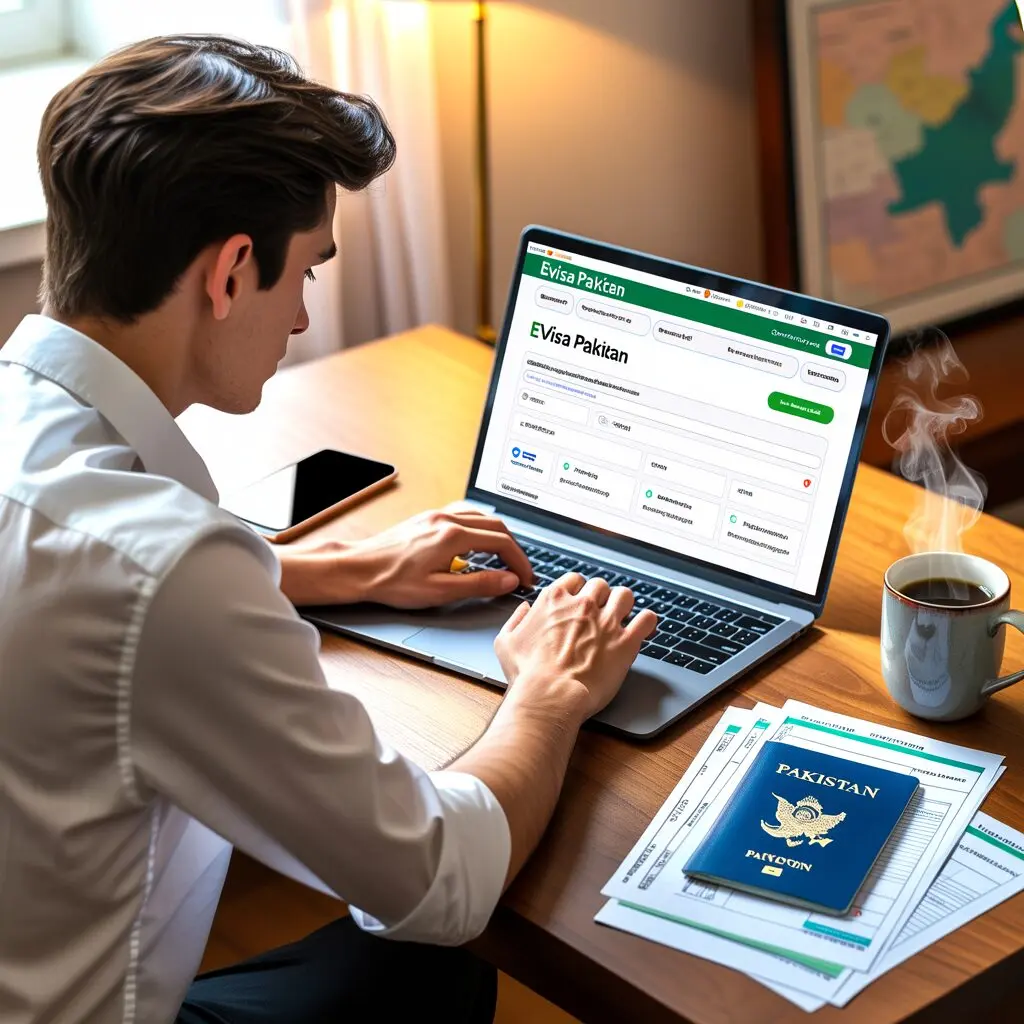
To apply for a Pakistan eVisa, visit visa.nadra.gov.pk, create an account, select your visa category, upload documents, pay the fee online, and submit. The entire process takes 30-60 minutes if you have all required documents ready. Processing typically takes 7-10 working days.
Step-by-Step Guide to Applying for a Pakistan eVisa
The Pakistan Online Visa System, operated by NADRA, allows foreign nationals to apply for their visa entirely online. Since January 1, 2021, all visa applications must be submitted through this system. This guide walks you through every step of the application process.
Before You Start
Before beginning your application, make sure you have the following ready:
• A valid passport with at least 6 months remaining before expiration
• A digital passport-size photograph (white background, JPEG format)
• Scanned copies of all required supporting documents
• A valid credit or debit card for online payment
• A working email address for account creation and notifications
Having these items prepared before starting will save you time and prevent your session from timing out. The portal requires that you select the correct visa category at the beginning, as this cannot be changed after submission.
Step 1: Create Your Account
Navigate to visa.nadra.gov.pk and click on the registration or sign-up option. You will need to provide:
• Your full name (as it appears on your passport)
• A valid email address
• A secure password
• Your nationality and country of residence
After registration, check your email for a verification link. Click the link to activate your account. You can then log in to the portal to begin your application.
Step 2: Select Your Visa Category
Pakistan offers several visa categories. Choose the one that matches the purpose of your visit:
• Tourist/Visit Visa – For tourism, sightseeing, or visiting friends and relatives
• Business Visa – For business meetings, conferences, trade activities, and investment
• Family Visit Visa – For those with Pakistani-origin family members
• Work Visa – For employment in Pakistan
• Study Visa – For educational purposes
• Transit Visa – For passengers passing through Pakistan
Within each category, you may need to select a sub-category. For example, under Tourist/Visit, options include “Individual – Less than 3 months” for entry applications or “Multiple Entry” for extensions.
Step 3: Choose Entry or Extension
For each visa category, you can apply for either:
• Entry: A new visa if you do not currently hold a valid Pakistan visa
• Extension: An extension if you already have a valid Pakistan visa and are residing in Pakistan
First-time applicants should select “Entry.” If you are already in Pakistan and wish to extend your stay, choose “Extension.”
Step 4: Fill in the Application Form
Complete all fields in the application form. Fields marked with an asterisk (*) are mandatory. The form will ask for:
• Personal details (name, date of birth, place of birth)
• Passport information (number, issue date, expiry date)
• Contact information (address, phone number, email)
• Travel details (purpose of visit, intended dates, accommodation)
• Employment or education details
• Previous travel history
Make sure all information matches your passport exactly. Discrepancies between your application and passport can result in delays or rejection.
Step 5: Upload Required Documents
Upload clear, legible scans or photographs of your documents. The portal accepts standard image formats (JPEG, PNG) and PDF files. Required uploads typically include:
For all applicants:
• Passport bio-data page scan
• Passport-size photograph (white background, recent)
For tourist visa:
• Hotel booking confirmation OR invitation letter from host
• Travel itinerary (recommended)
For business visa:
• Recommendation letter from Chamber of Commerce, OR
• Invitation letter from a Pakistani business organization, OR
• Recommendation letter from BOI/Commercial Attaché
For family visit visa:
• Pakistani ID of family member (CNIC/NICOP/Passport)
• Proof of relationship (marriage certificate, birth certificate)
• Invitation letter from relative in Pakistan
Only upload original documents. The system does not accept faxed, photocopied, or emailed copies. Ensure all documents are clearly readable before uploading.
Step 6: Pay the Visa Fee
After completing the form and uploading documents, you will be directed to the payment page. Fees vary by nationality and visa category. For US passport holders, typical fees are:
| Visa Type | Single Entry | Up to 1 Year | Over 1 Year |
|---|---|---|---|
| Family Visit | $60 | $90 | $120 |
| Work/Business | $100 | $150 | $200 |
| Transit | $30 | – | – |
Payment is accepted via credit card or debit card. The fee is non-refundable, regardless of the application outcome. Make sure you meet all eligibility requirements before making the payment.
For a detailed fee breakdown by nationality, see our Pakistan eVisa fees guide.
Step 7: Submit and Track Your Application
After payment, review your entire application one final time. Verify that all information is correct and all documents are uploaded. Then click “Submit.”
You will receive a confirmation email with your application reference number. Use this number to track your application status through the portal:
• Submitted: Your application has been received
• Under Review: Processing is in progress
• Sent Back for Review: Additional documents needed (respond within 7 days)
• Approved: Visa has been issued
• Rejected: Application was not approved
Standard processing takes 7-10 working days. For more details on processing timelines, see our processing time guide.
What to Do After Approval
Once your eVisa is approved:
1. Log in to the portal and download your eVisa
2. Print a copy of the eVisa for your records
3. Verify your visa through the online verification feature on the portal
4. Present your passport and eVisa printout at immigration upon arrival in Pakistan
The eVisa is linked to your passport electronically, but carrying a printed copy is recommended as a backup.
Common Application Mistakes to Avoid
• Wrong visa category: Select carefully, as the category cannot be changed after submission
• Expired passport: Ensure at least 6 months validity from your planned travel date
• Poor quality documents: Upload clear, original scans only
• Incorrect personal details: Match your passport exactly, including middle names
• Incomplete form: Fill all mandatory fields, leaving none blank
• Late response to review requests: Provide additional documents within 7 days or your application is cancelled
• Applying through unofficial sites: Only use visa.nadra.gov.pk
Applying as a Minor (Under 18)
Minors have additional requirements:
• Birth certificate
• Notarized parents’ consent form (available for download on the portal)
• Parents’ Pakistani IDs (if applicable)
• Copy of parents’ driving license or state ID
Both parents or legal guardians must sign the consent form. If one parent has sole custody, legal documentation proving this must be provided.
Applying for Third-Country Nationals
If you are a citizen of one country but residing in another, additional documentation may be required:
• Valid residence permit for your country of residence
• Valid visa for your country of residence
• You may need to apply through the Pakistani mission nearest to your residence
For example, a Nigerian citizen living in France would need to provide a valid French residence permit (Carte de Séjour) and may need to apply through the Embassy of Pakistan in Paris.
Frequently Asked Questions
What are the requirements?
If you have all documents prepared, the online application takes approximately 30-60 minutes. This includes account creation, form filling, document uploads, and payment. The actual processing time after submission is 7-10 working days for most categories.
What is the official portal?
Yes, the portal allows you to save your progress and return to complete the application later. However, it is recommended to complete the application in one session to avoid any issues with session timeouts or document uploads.
The visa category cannot be changed after submission
The visa category cannot be changed after submission. If you realize you selected the wrong category, you will need to submit a new application and pay the fee again. Carefully review the category descriptions before proceeding.
What is while the evisa?
While the eVisa is electronically linked to your passport, it is recommended to carry a printed copy. Some airlines and immigration checkpoints may request a physical copy as a backup.
What are the requirements?
The applicant must provide their own information and documents. However, a third party such as a travel agent or family member can assist with the technical aspects of the application. The applicant remains responsible for the accuracy of all submitted information.
How do I pay?
The Pakistan Online Visa System accepts payment via credit card and debit card. International Visa and Mastercard are commonly accepted. Cash payments and personal checks are not accepted for online applications.